I Audited PhotoCraft, the Open Source Photoshop Alternative Built in 9 Days
PhotoCraft is an open source Photoshop alternative built in 9 days with AI. I audited the repos: what is real, what is hype, what Adobe costs in CHF.
On September 30, a repository called PhotoCraft appeared on GitHub: an open source Photoshop alternative. Nine days later it had more than 29,000 stars, 312,000 lines of Rust and over 4,400 tests. Its README calls it a clean-room reimplementation of Adobe Photoshop.
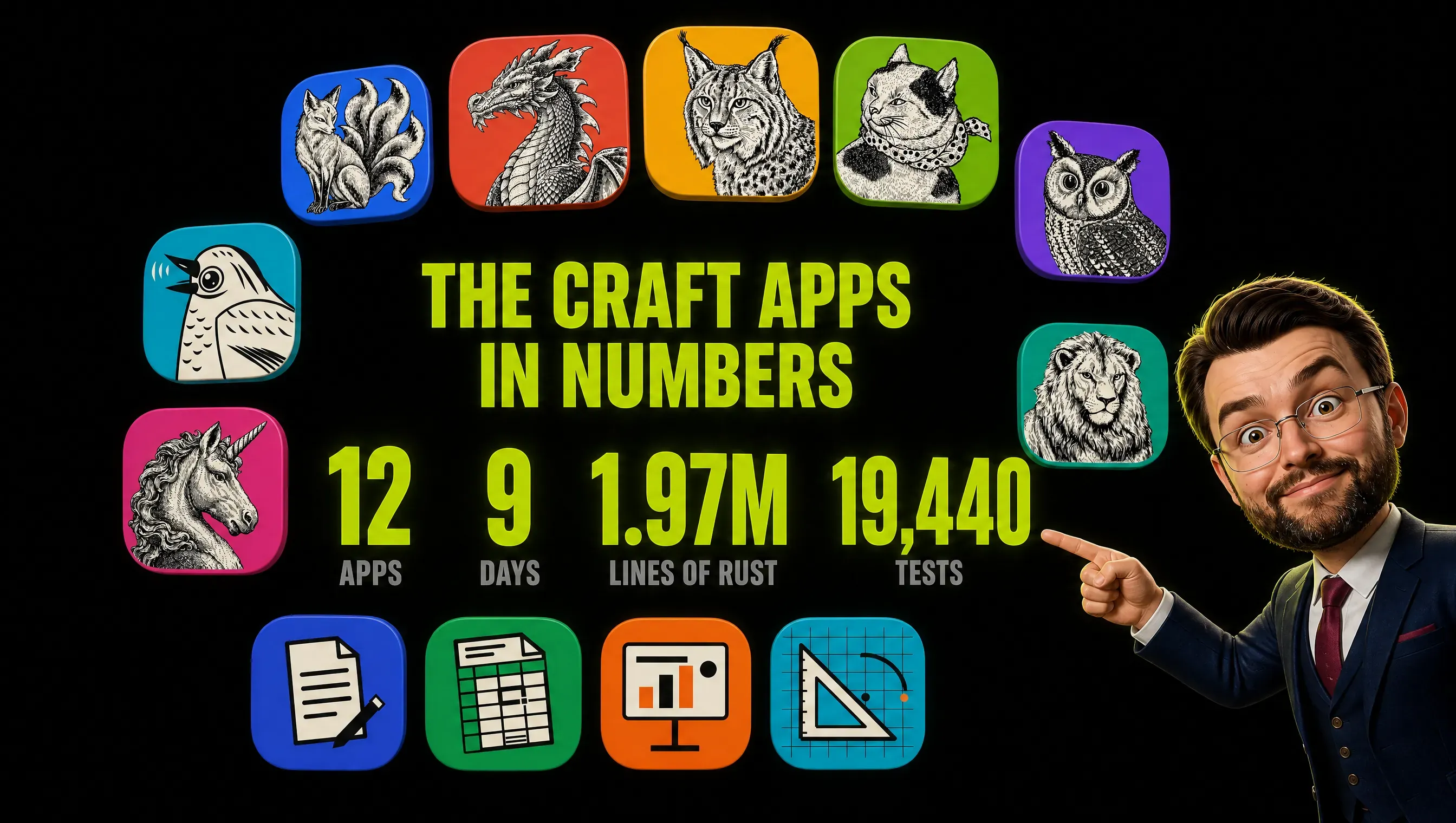
It has eleven siblings. Illustrator, Premiere, Lightroom, InDesign, After Effects, Acrobat, Word, Excel, PowerPoint, AutoCAD, Pro Tools. All free, all open source, all born in the same nine days or less.
I am a marketer, not a Rust developer. That makes me the ideal reader: the person who signs the software invoice and cannot read the code. So I did what I do with every vendor pitch. I stopped reading the announcements and read the evidence.
I cloned the repositories, counted what was inside, read the commit logs and compared what the project claims with what its own documents admit. The short version: it is real, it is impressive, and it is not a Photoshop replacement.
The more interesting story is not Photoshop. It is how one team built twelve apps in nine days, and what that does to every software bill you pay.
Key Takeaways
- PhotoCraft is real software, not a landing page. About 312,000 lines of Rust, 34 tools, PSD import and export, and a test suite of thousands of tests.
- It is also an early alpha. The README says it is not a replacement for daily professional work, and the project’s own roadmap puts the point where a professional could switch at roughly 25 to 35 percent of the way.
- There are twelve apps, not seven. The website lists seven. The GitHub organization holds twelve, including clones of Word, Excel, PowerPoint and AutoCAD.
- Two out of three commits carry a Claude signature. The project even measures its remaining work in hours of Opus 5.5 agent time.
- “Open source” needs an asterisk. The Craft Apps use MIT or Apache-2.0. The ArtCraft AI studio behind them uses a “fair source” license that bans commercial resale.
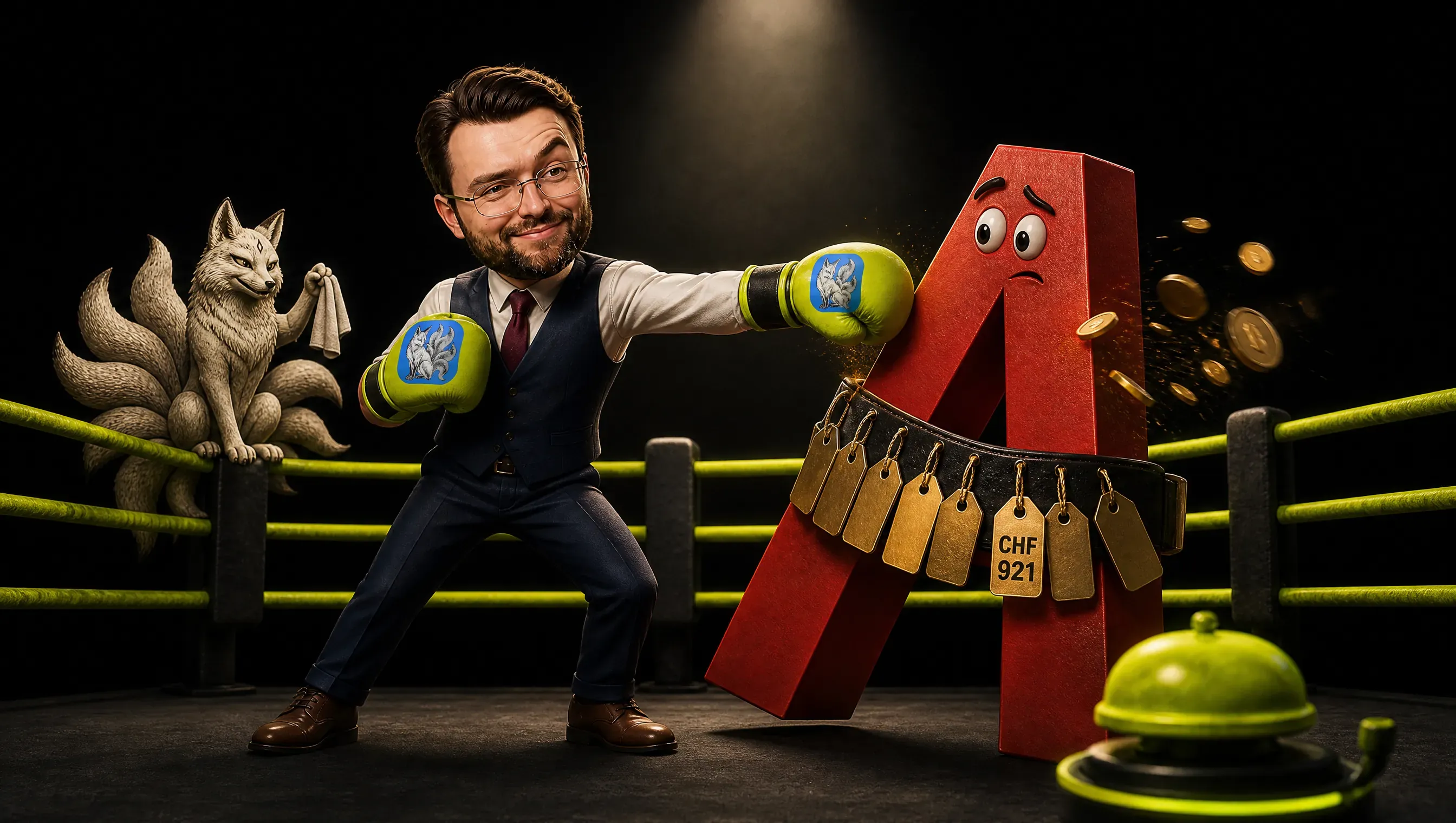
- Do not cancel Adobe today. Do start a pilot and use it in your renewal talks. One Creative Cloud Pro seat costs CHF 921 a year in Switzerland. That number is now a negotiation, not a law.
What PhotoCraft Is: An Open Source Photoshop Alternative (And What It Is Not)
PhotoCraft is a free, open source image editor written in Rust that reimplements Adobe Photoshop’s interface and features. It was published on September 30, 2026 under the MIT or Apache-2.0 license, imports and saves PSD files, and calls itself an early alpha.
That sentence hides three facts most headlines skip.
First, PhotoCraft is one of a family. The organization behind it, storytold on GitHub, holds twelve “Craft” apps. On October 8 the website’s apps page listed seven of them. The people building this are moving faster than their own website.
Second, the brand is split. ArtCraft is the name of the company’s AI image and video studio, a separate product that sells generation credits. The Craft Apps are free desktop tools under the same banner.
Same team, same logo, different licenses and different business models. More on that below.
Third, this is not an anonymous drive-by. According to PetaPixel, the builder is software engineer Brandon Thomas, who founded ArtCraft nearly a year ago. He previously worked as CEO of Storyteller.ai and as a software engineer at Square. Those biographical details come from PetaPixel, not from me.
Nine Days, Twelve Apps, Two Million Lines
Here is what exists on GitHub as of October 9, 2026, with each project’s own description of its status.
| App | Replaces | Stars | Its own status |
|---|---|---|---|
| PhotoCraft | Photoshop | 29,000+ | early alpha |
| LightCraft | Lightroom | 6,200+ | “young and moving fast” |
| FilmCraft | Premiere Pro | 5,700+ | “young and moving fast” |
| PdfCraft | Acrobat | 4,900+ | “about half of Acrobat Pro’s offline features” |
| VectorCraft | Illustrator | 4,100+ | “in active development” |
| EffectCraft | After Effects | 3,000+ | “young and moving fast” |
| DesignCraft | InDesign | 1,700+ | roadmap status dated October 1 |
| WordCraft | Word | 960+ | “about 62% of real feature parity” |
| CADCraft | AutoCAD | 900+ | early development |
| GridCraft | Excel | 670+ | pre-alpha |
| SoundCraft | Pro Tools | 630+ | pre-alpha |
| DeckCraft | PowerPoint | 550+ | early development |
Add it up and you get roughly 1.97 million lines of Rust, more than 19,000 test functions and 5,646 commits. On October 8 alone the twelve repositories took 1,188 commits.
One honesty note on the test count. The PhotoCraft README says “more than 1,700 tests”, while counting #[test] functions in the October 9 code gives 4,411. The README lags the code, which is what happens when the code moves this fast.
Stars are applause, not proof. A repository can collect 29,000 of them in a week because people hate a subscription, not because they installed the software. Keep that in mind for everything that follows.
What Is Genuinely Impressive
Credit where it is due. Four things stood out when I read the code, and none of them is a screenshot trick.
One command registry. Every menu item, tool and dialog in PhotoCraft runs through a registry of more than 500 commands. The interface, a command line, a JSON control channel and an MCP server all call the same ones.
Anything you can click, a script or an AI agent can do. The project’s own parity estimate rates automation at about 95 percent and says PhotoCraft is “ahead of Photoshop here”. For a team that batches banner variants all day, that is the feature to watch.
A real file layer. PSD support lives in a standalone crate written from Adobe’s public file specification. It is tested against a corpus of real files, including PSDs authored in Photoshop itself.
GPU rendering and wide platform support. The compositor runs on wgpu, which targets Metal, Vulkan, DirectX 12 and WebGPU. Installers cover macOS, Windows, Linux and FreeBSD. Adobe does not support Linux at all, as PetaPixel points out.
A local-language interface. The interface already ships in 15 languages, including German and Italian, with translations credited to PhotoCraft contributors. In a multilingual market like Switzerland, that detail matters.
PhotoCraft Download: Platforms, Installers and Signing
PhotoCraft runs on macOS, Windows, Linux and FreeBSD, and there is a web build too. The easiest route is the PhotoCraft page on getartcraft.com, and every build also sits on the GitHub releases page.
Windows gets MSI installers and portable ZIPs for x64, arm64 and x86, and the README says installers and executables are code-signed. macOS gets a universal DMG for Apple silicon and Intel, signed and notarized.
Linux gets AppImage, Flatpak, deb, rpm and tarball builds for x86_64 and aarch64. FreeBSD gets a tarball. Everything is free under MIT or Apache-2.0, and everything is labeled early alpha.
The Commit Log Tells the Story
I ran the commit history of all twelve repositories through a script. Two out of three commits, 3,771 of 5,646, carry a Co-authored-by: Claude trailer or a Claude author. Per repository the share runs from 59 percent in VectorCraft to 97 percent in DeckCraft.
Every one of the twelve repositories ships an AGENTS.md, a file written for AI coding agents. Eleven also have a CLAUDE.md. And the PhotoCraft docs measure the remaining work in agent time:
“This session landed ~70 menu items + major subsystems in a handful of wall-clock hours using 8 parallel agents.”
The same document estimates that reaching 95 percent functional parity would take 25 to 40 wall-clock hours of parallel Opus 5.5 work. Thomas wrote on Reddit that he used Anthropic’s Opus 5.5 to recreate seven of Adobe’s most popular apps in Rust, PetaPixel reports. He also insists he is “not a casual vibe coder”, and the numbers back him up.
Nobody ends up with 19,000 tests by accident. This looks like agent engineering: instruction files, a test suite acting as the gate, and parallel agents. Whether a human reviews each change, the repositories do not tell me. It is a different animal from the weekend tools I described in how to vibe code as a marketer. If you maintain instruction files of your own, start with my CLAUDE.md best practices.
One more pattern. About 29 percent of the commits land between midnight and 6 a.m. UTC, and activity runs around the clock. My reading: a global crowd of contributors plus agents working overnight, not a team that never sleeps. That is my interpretation, not a finding.
PhotoCraft vs Photoshop: The Scoreboard the Project Wrote Against Itself
The most useful file in the PhotoCraft repository is not the README. It is the roadmap, which contains a section called “Honest parity assessment”. It was written for the AI agents that work on the project, and it reads like the opposite of a pitch deck.
- Breadth: done. Every one of the roughly 625 Photoshop menu items triggers a command. The roadmap adds that this “says nothing about behaviour”.
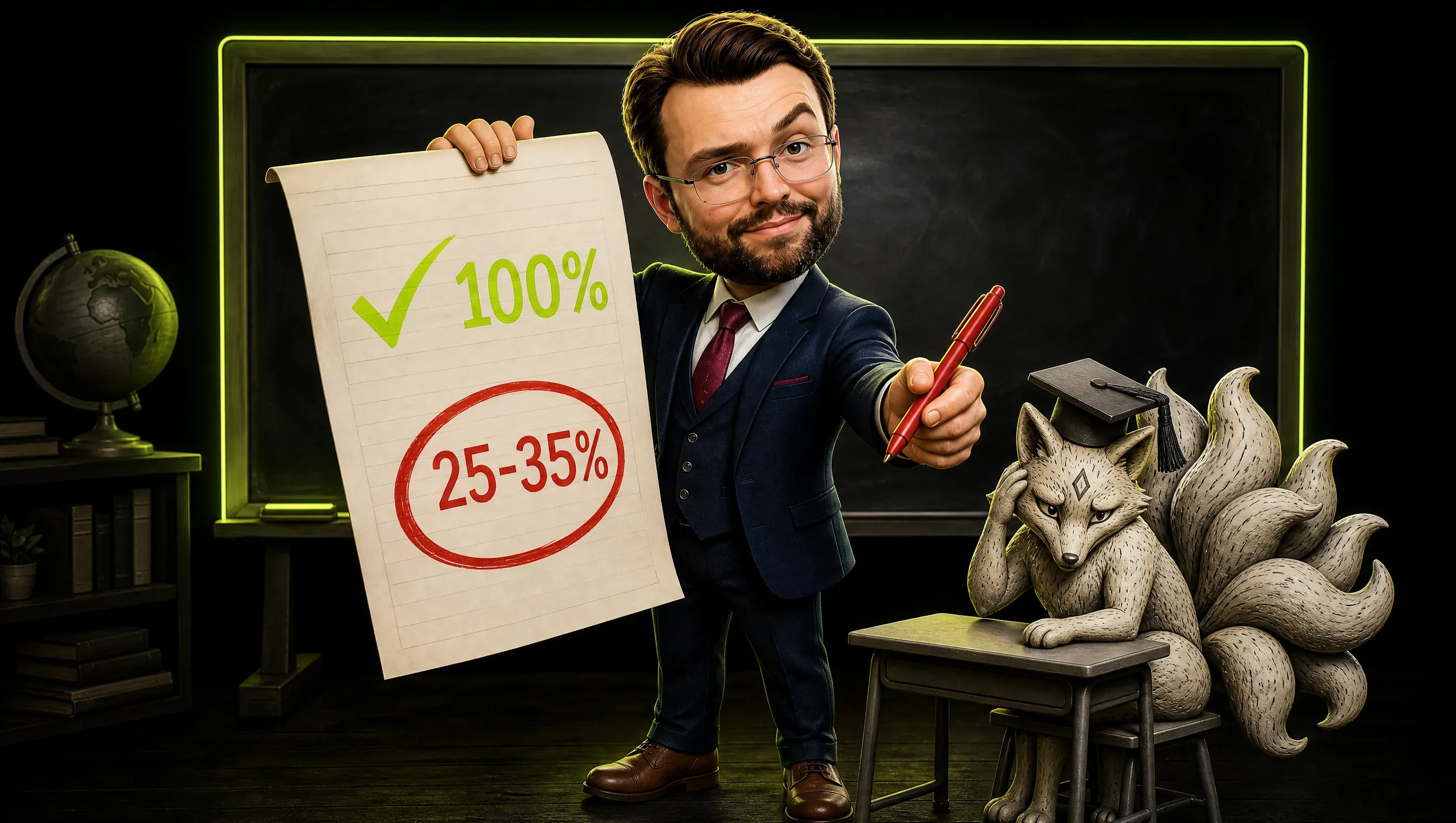
- Depth: not done. “Real Photoshop parity is still well below 50%,” it says. Roughly 60 to 70 percent of the features a typical user touches exist in some form, but “a professional could switch for daily work” only at roughly 25 to 35 percent.
- Basics: still breaking. On first public use, people found broken basics such as an offset text selection, 214 shortcut failures, panels that resized themselves and a crop frame that would not move. By the same assessment, written on October 5, 67 of 129 preferences were read by nothing, and 3 of 25 performance scenarios met their targets in a first baseline taken on a loaded machine.
- PSD files: about two thirds. In the project’s own test, 115 of 170 files matched Photoshop pixel for pixel on October 5, which is 68 percent.
- Print and AI: gaps. The older parity estimate says CMYK uses synthetic profiles, not Adobe’s, rates the generative AI tier at about 5 percent and lists video and timeline as not started.
There is a trap in the numbers. The README says re-saving a file keeps the render of 307 of the 309 test files in the psd-tools set, and the roadmap says 169 of 169 round trips re-import identically. That tests whether PhotoCraft can open and save a file without breaking it.
The two-thirds figure tests something harder: whether its rendering matches Photoshop’s. Different questions, different answers.
The project even corrects its own optimism. The older parity estimate claims about 82 percent weighted parity, and the roadmap now calls that an upper bound that “overstates user-facing readiness”.
The README says it plainly: PhotoCraft is “not yet a Photoshop replacement for daily professional work”. The siblings are just as candid. EffectCraft “isn’t yet a replacement for After Effects on client work”. FilmCraft cannot export HEVC or AV1 yet and has no camera RAW.
PdfCraft admits that “fuzzing still turns up crashes and hangs on hostile files” and that quality “has not yet been compared with Acrobat side by side”. DesignCraft exports PDF with CMYK and spot colors, but its roadmap is inconsistent about PDF/X-4, and print shops ask for certified PDF/X output.
Breadth is solved. Depth is the gap. A button that exists is not a feature that works.
Every one of these figures is self-reported. I found no independent audit as of October 9. Treat them as a confession, not a certificate.
Is ArtCraft Really Open Source? The License Needs an Asterisk
The Craft Apps are open source in the strict sense. PhotoCraft’s code and original assets are available under MIT or Apache-2.0, so you can use them commercially. Nobody owns your files.
The AI studio is a different story. ArtCraft’s LICENSE.md calls it “fair source” software. You can run and modify it for private personal use, and the media you create is yours.
But “you cannot sell the ArtCraft software commercially”, and you cannot “use the ArtCraft code to develop a competing business or product”. The license even has a section titled “Why not OSI Open Source?”.
The website, meanwhile, calls ArtCraft “the open-source studio for controllable AI image and video”. Both statements cannot be the whole truth. This is not a scandal, since the license explains the choice openly. It is a label looser than the legal text behind it.
How do they make money, then? Credits. The pricing page shows plans from $8 to $48 a month for 1,000 to 6,600 generation credits, with a 20 percent discount on the day I looked. You can also bring your own compute and third-party subscriptions. If you generate images with credits, I compared the cost per image of two models in GPT Image 2 vs Nano Banana 2.1.
The free apps are the front door. The paid AI studio is the shop.
If you plan to run client work through the AI studio, read the license first. If you plan to pilot PhotoCraft, the license is the easy part.
What Adobe Costs in Switzerland
Adobe’s Swiss price page on October 9, 2026, annual plan billed monthly, individual prices including VAT:
| Plan | CHF per month |
|---|---|
| Creative Cloud Pro (20+ apps) | 76.75 (CHF 38.34 for the first 3 months, new customers) |
| Photoshop, Illustrator, InDesign, Premiere, After Effects | 25.95 each |
| Acrobat Pro | 23.80 |
| Lightroom | 14.05 |
| Creative Cloud Pro, business license | 94.00 excl. VAT |
Do the arithmetic. One Creative Cloud Pro seat is CHF 921 a year. Buying the five big apps separately plus Acrobat Pro and Lightroom would be CHF 167.60 a month, so the bundle wins.
A business license is CHF 1,128 a seat a year before VAT: CHF 5,640 for five seats, CHF 22,560 for twenty. That is illustrative arithmetic on list prices, not a quote.
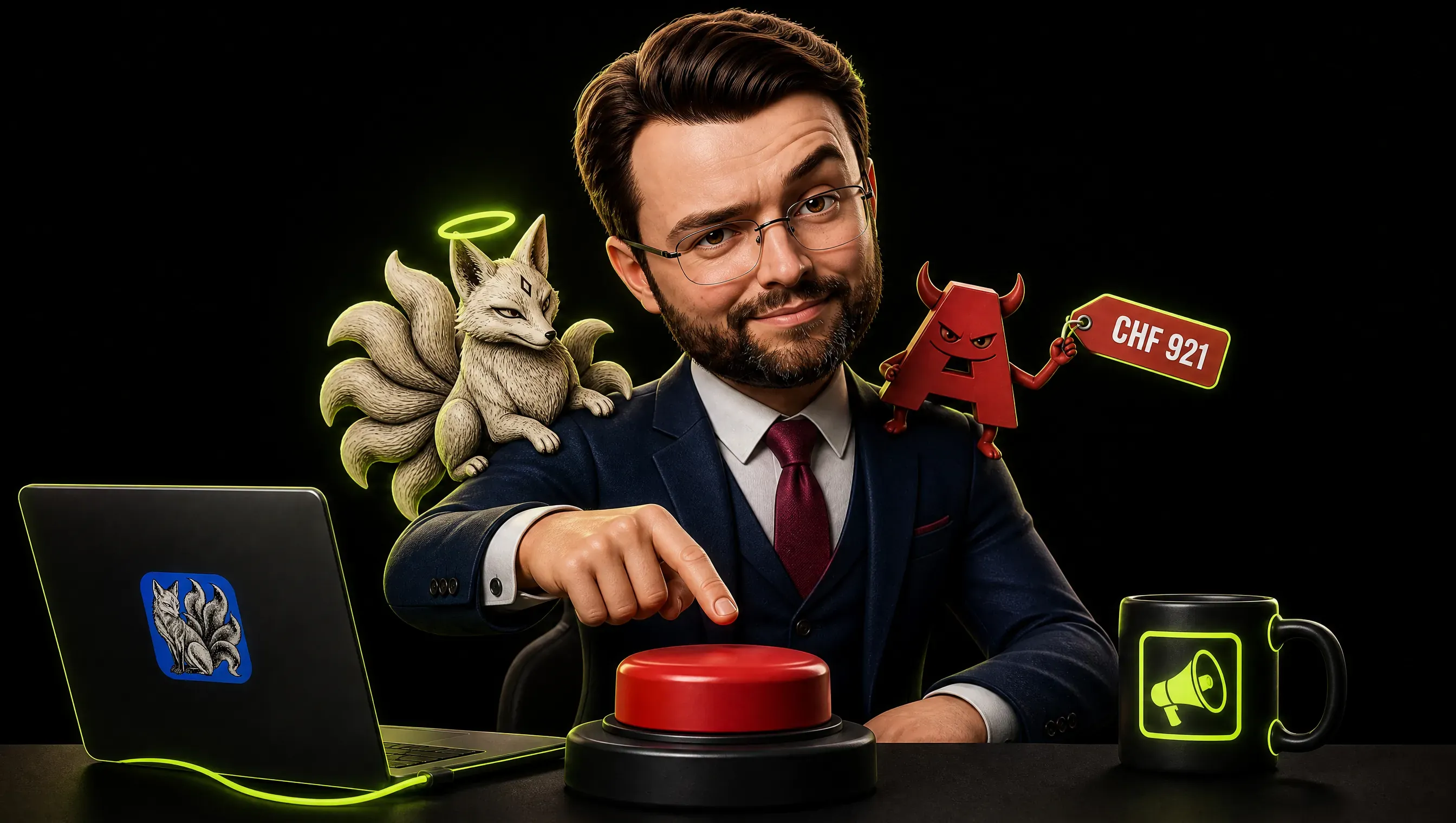
None of these numbers is dramatic for a funded team. What changed is not the price. It is the existence of a free alternative to bring to the table.
Thomas has a personal grudge, too: “They charged me the ‘cancellation fee’ on multiple occasions and I’ve hated them ever since,” PetaPixel quotes him saying. Plenty of people share that feeling, and 29,000 stars is what it looks like when it finds a target.
The Clean-Room Question Nobody Can Answer Yet
Clean-room design is a development method. One side studies the original product and writes specifications. A separate side builds from those specifications without ever seeing the original code. If the paper trail holds, you can argue the new code is independent.
PhotoCraft’s README claims exactly that: built from “public specs and observed behaviour only” and promising “No proprietary code, shaders or assets”. Its PSD support is a standalone crate written from Adobe’s published file specification. That is plausible for open standards such as PDF and for documented formats such as PSD.
Two problems remain. First, patents. PetaPixel points out that Adobe holds thousands of them, and a clean-room process protects copyright, not patents.
Second, the process itself. A project built with AI agents at this speed would need a very good paper trail, and I found no independent verification of one.
For context, the US Supreme Court ruled in Google v. Oracle in 2021 that Google’s reuse of Java API declarations was fair use. Swiss copyright law lets you decode a program to obtain interface information for interoperability, within limits.
Neither is a blanket permission to copy a product. I am not a lawyer, and neither is the README.
Practical point for businesses: the Craft Apps are dual-licensed, and the Apache-2.0 option includes a patent grant from contributors. That grant does not shield you from third-party patents such as Adobe’s, so the usual caution applies. This is not legal advice.
Should Your Team Switch? A Verdict Per Tool
| Tool | Verdict | Why |
|---|---|---|
| PhotoCraft | Pilot on non-client files | Early alpha; by its own roadmap roughly 25-35% of the way to daily professional use; synthetic CMYK profiles |
| PdfCraft | Wait | Crashes on hostile files by its own admission; never open untrusted PDFs |
| FilmCraft, EffectCraft | Wait | No HEVC/AV1 export or camera RAW in FilmCraft; EffectCraft “isn’t yet a replacement” on client work |
| VectorCraft, LightCraft, DesignCraft | Wait | Active development, no independent testing, print workflows unproven |
| Word, Excel, PowerPoint, CAD, Pro Tools clones | Ignore for now | Pre-alpha or early development |
| ArtCraft AI studio | Evaluate only if you already buy AI generation | Read the license; check where your files go |
One pilot, many watch-list items. That is the rational posture for a tool that is nine days old.
A 30-Day Pilot Plan
Week 1: contain it. Install on a spare machine or a virtual machine, never on the laptop that holds client files. Download only from the official releases, and verify the signature on your machine: the README says Windows builds are code-signed and macOS builds are signed and notarized.
Week 2: test with real files. Take ten of your own: three simple PSDs, three layered files with text and effects, two print-oriented files, two that came from an agency. Open each one, make a small edit, save, then reopen it in Photoshop. Write down every difference.
Week 3: run a normal working week. Resize banners, retouch a product shot, export for web. Time each task against your usual tool. Note crashes, not feelings.
Week 4: decide. For each task, one of three answers: switch, keep Adobe, or wait. Then bring the result to your renewal conversation.
Re-audit when any of these happens: a beta label, a PSD pixel match above 90 percent in the project’s own test, real CMYK profiles, signed binaries on every platform, an independent security review, or a plug-in story.
The Bigger Story: Software Just Got Cheap
Adobe is not the story. The price of building software is.
A small core team, a crowd of outside contributors, a fleet of agents and nine days produced twelve applications with 19,000 tests. Even if only a fifth of that survives contact with real users, the cost curve just broke. Thomas hopes to reach “100% feature parity” within a month, which PetaPixel calls ambitious. I call it a deadline I would like to watch.
What still protects the incumbents is not code. It is file formats the whole industry exchanges, color pipelines, plug-in ecosystems, trained staff, support contracts and trust. Those are slow to copy. They are also exactly what a pilot measures.
For a marketing lead, three practical conclusions:
- Your vendors’ moat is no longer the code. Ask what you are really paying for: support, formats, trust. Then negotiate accordingly.
- Keep your data portable. Open formats and files you can read without a license are the cheapest insurance you can buy. I wrote about structuring your notes for agents for the same reason.
- Cheap software does not mean good judgment. The supply of mediocre software is about to explode. The scarce skill is knowing which tool deserves your trust. That is what I described in how I run my marketing stack, and why open models are changing the economics, as in the story of GLM 5.3.
If you like the idea of owning your tools, you will also enjoy my Omarchy review, another opinionated bet on open software.
Frequently Asked Questions
Is PhotoCraft a real Photoshop replacement?
Not yet. Its own README calls it an early alpha and “not yet a Photoshop replacement for daily professional work”, and its roadmap puts a professional’s daily-use readiness at roughly 25 to 35 percent. It is worth a pilot on non-critical files, not a switch for client deliverables.
Is ArtCraft really open source?
The Craft Apps such as PhotoCraft are, under MIT or Apache-2.0. The ArtCraft AI studio uses a “fair source” license: free for personal use, with no commercial resale and no competing products. The website calls it open source; the license says it is not OSI open source.
Is it safe to use?
Unknown for production use. These are alpha releases published days ago, and PdfCraft says fuzzing still finds crashes. Run them in a virtual machine, keep client files out, and download only from the official releases.
How much does Photoshop cost in Switzerland?
On October 9, 2026, Adobe’s Swiss site showed CHF 25.95 a month for Photoshop alone and CHF 76.75 for Creative Cloud Pro, both including VAT on an annual plan billed monthly. A business license was CHF 94.00 a month excluding VAT.
Is a clean-room reimplementation legal?
The method has a long history and legal precedent behind it. Whether a specific project qualifies, and whether it infringes any patents, are open questions. This is not legal advice.
Is GIMP as powerful as Photoshop?
GIMP is a mature, free and open source editor, but it is not a Photoshop clone: its interface and workflow differ, and some Photoshop features have no direct equivalent. PhotoCraft takes the opposite route and copies Photoshop’s menus, shortcuts and PSD files, which makes it easier for Photoshop users to try and far younger.
What should I use today instead?
Mature free options already exist, such as GIMP, Krita, Photopea and Affinity, which now markets a free version. None is an exact Photoshop clone, which is why a pilot with your own files beats any list, including mine.
Is there an open source alternative to Adobe Acrobat?
PdfCraft is trying to be one. Its own README says about half of Acrobat Pro’s offline features are in, covering 88 percent of the must-haves, and that fuzzing still finds crashes and hangs on hostile files. Treat it as a project to watch, and do not open untrusted PDFs with it yet.
Why are people boycotting Adobe?
In this story the complaints are price and cancellation fees. Creative Cloud Pro lists at CHF 76.75 a month in Switzerland, and PhotoCraft’s builder says he was charged a cancellation fee on multiple occasions, according to PetaPixel. Whether that adds up to a boycott is open, but it explains the appetite for free alternatives.
My Verdict
PhotoCraft is not the Photoshop killer the headlines want. It is something more useful: proof that a twelve-app software suite can appear in nine days, plus a free, honest-about-its-limits open source Photoshop alternative worth testing this month.
Do not cancel anything. Do run the pilot, and walk into your next renewal knowing the alternative exists. I will update this page when PhotoCraft leaves alpha.
If you want a second pair of eyes on your tool stack or your Adobe renewal, get in touch.