ChatGPT Intelligent UI: What OpenAI Confirms and What It Leaves Open
ChatGPT Intelligent UI turns answers into tools. What OpenAI confirms, what it leaves open about data sources, and the checklist I would run to stay visible.

On October 7, OpenAI announced ChatGPT Intelligent UI. Answers can now “combine text, visuals, and interactive elements to fit your question”: a side-by-side comparison, a diagram you can tap, a savings calculator.
Expect the advice to start: optimize for ChatGPT Intelligent UI. In the launch post, the help article and the release notes, OpenAI shows the interface and never says where the data inside it comes from.
So nobody can point you to a documented recipe. What I can do is separate what OpenAI confirms from what it leaves open, and give you the groundwork I would start with. If you find a statement I missed, tell me and I will update this page.
I went through OpenAI’s launch post, the help article on GPT-6, the ChatGPT release notes and OpenAI’s crawler documentation. Every quotation below matches the saved page as of October 14, 2026.
Key Takeaways
- ChatGPT Intelligent UI lets ChatGPT answer with tools, not only text. OpenAI’s examples are a savings calculator, a bill splitter, a side-by-side comparison and an interactive bike diagram.
- OpenAI said it started on October 7 for paid plans and would expand to Free and Go on October 8. It says more than 1.2 billion people use ChatGPT each week, and it does not say how many see Intelligent UI.
- OpenAI’s own examples show no shop, retailer or price. Whether a brand can appear inside these components is not documented.
- What you control is crawler access for ChatGPT search. OAI-SearchBot decides whether your site appears there, and OpenAI does not say whether Intelligent UI draws on it.
- If you sell products, OpenAI documents a route into ChatGPT’s product results. It does not say whether Intelligent UI uses it.
- Audit 10 real questions on the paid and the free model, and date your screenshots.
This page reflects OpenAI’s documentation as of October 14, 2026. The items most likely to change are model names, the rollout, ads and the commerce entries.
What ChatGPT Intelligent UI Is
OpenAI says it trained GPT-6 to “compose responses using text, visuals and interactive elements, choosing how they fit together based on your question.” The responses can include “graphics, tappable buttons, forms, charts, and interactive experiences you can use directly in your conversation.”
The launch page gives practical examples: “a calculator to explore how savings could grow, a bill splitter for dinner with friends, or a game you can play in the conversation.” A comparison “might work best side by side,” a bicycle explanation becomes a diagram with the prompt “Select a system to explore its role,” and the stops on a road trip can appear on a map.
In OpenAI’s description of its lamb roast demo, the cooking timeline sits next to the recipe, a guest count changes the shopping quantities, and there are quantities, and no prices or retailers.
OpenAI says it built “a library of native, streamable components, along with a compiler that processes the interface as the model generates it.” The model writes the answer and the interface assembles itself on the way.

Who Gets It, and Who Does Not
The details matter if you test it.
- Plans. The rollout began on October 7 for Plus, Pro, Business and Enterprise in the Chat tab, and OpenAI wrote that “Starting tomorrow, the rollout expands to Free and Go tiers.” Enterprise availability depends on workspace admin settings.
- Models. The release notes say Plus, Pro, Business and Enterprise use GPT-6 Sol, and Free and Go use GPT-6 Luna. A help article says Free and Go use GPT-5.6 Luna, so log the model name you see.
- Reasoning levels. Intelligent UI works from Instant through Extra High. The Pro reasoning option stays on GPT-6 Astra and does not support it, and the help article lists none of the higher levels for Free and Go.
- Apps. “The older ChatGPT desktop apps for macOS and Windows do not support these capabilities; use ChatGPT on the web instead.”
- Limits. “Intelligent UI has no separate usage quota. Existing model, tool, and plan allowances still apply.”
- Control. No special prompt is needed and plain text answers are still possible. A setting reduces visuals, and OpenAI states that “this setting does not switch the entire answer experience to a classic or text-only mode.”
- Early text. OpenAI says “Now, ChatGPT can interleave thinking with answering,” and the release notes add that GPT-6 “can also begin answering while it continues to think or use tools, then add more findings without another prompt.” Its only numeric speed figure is a vendor claim: on search questions GPT-6 Instant starts answering 44% sooner than GPT-5.6 Instant, with no method published.
You cannot assume your customers see what you see, because the model and the plan decide. A test on the wrong surface proves nothing.
The Sentence OpenAI Left Out
The launch post says ChatGPT “can combine UI, data, and actions to create entirely new ways for people to explore, understand, and interact with information.” It does not say which data, from where, or how a brand, a source or a price gets chosen to appear inside a component.
The help article does not say it either, and neither do the release notes. The launch post says GPT-6 “makes better decisions about when to look something up and more reliably finds information that supports its answer,” backed by an internal evaluation with no figures.
Other entries mention apps and connected accounts. None says which sources feed the interactive components.
OpenAI is plain about the state of the design: “There’s still work ahead to improve the model’s design judgment and expand what it can create.”
Treat every article that explains how to rank inside Intelligent UI as a hypothesis, including this one. Be careful with any tool that sells a “rank in Intelligent UI” score. I found no OpenAI statement that would let anyone compute one, so ask the vendor for the method.
Where a Brand Could Get In
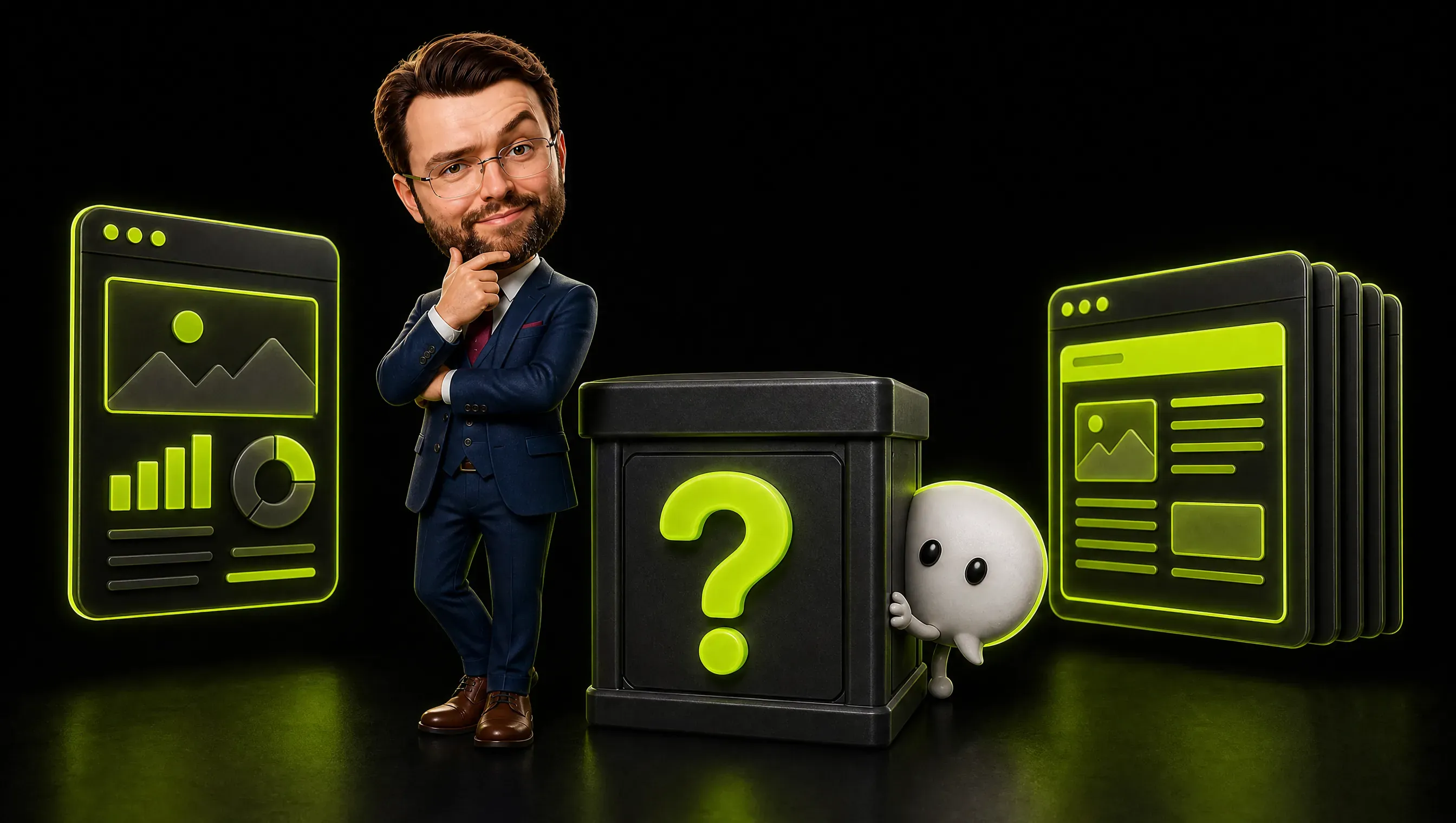
OpenAI’s own examples show no retailer, price or business. A savings calculator or a bill splitter runs on your numbers, not on anyone’s website. Does a bill splitter even need your brand?
I see three ways a brand could get in, plus the possibility that it does not. They can all be true at once, and OpenAI has confirmed none of them for the components.
Live web search. OpenAI’s 2024 launch post for ChatGPT search says the feature “leverages third-party search providers, as well as content provided directly by our partners.” That is a 2024 statement about search and may have changed. If components draw on the same retrieval, classic search work applies: crawlable pages, clear passages, facts in text.
Partner and merchant feeds. For products, OpenAI’s notes describe that route. Then the work is feeds, structured data and agreements.
What the model already knows. Then the question is how well your brand is represented in the material the model learned from. That is slow to change and cannot be fixed quickly with a robots.txt edit.
The groundwork below pays off most if the data comes from live search. It helps a little if it comes from training data, and not at all if it comes from feeds you do not have. One benefit holds in every branch: a page with a price table is better for the humans who land on it.
What Interactive Answers Ask of Your Content (My Reading)
Look at OpenAI’s examples again: a calculator, a side-by-side comparison, a timeline, a diagram. Each one needs content in a certain shape.
I cannot prove the interface uses your page. I can say what each shape needs if it does.
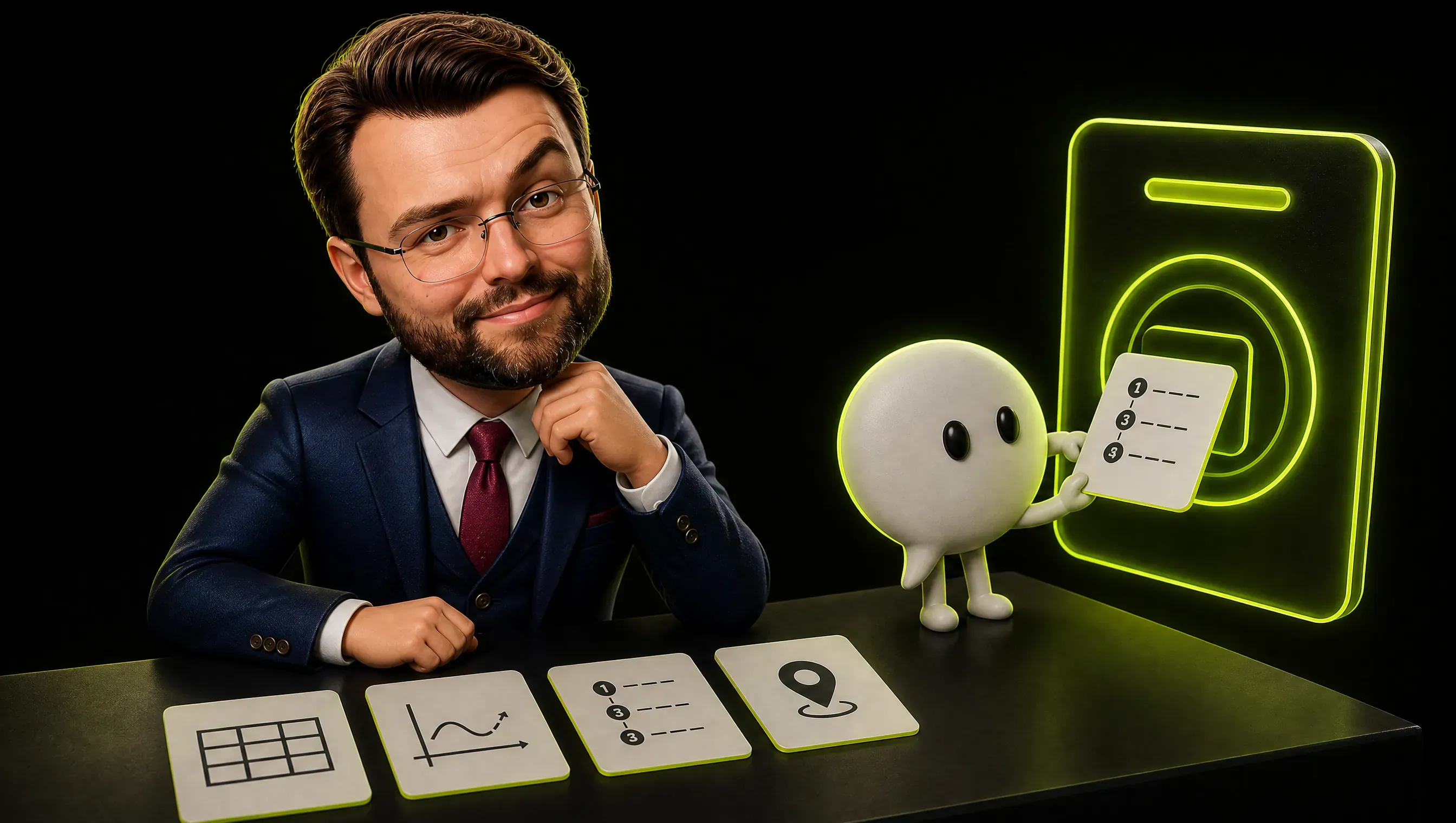
A comparison needs comparable facts. If a customer asks which of two options fits, a table needs the same attributes for both. A price that lives in a PDF and specs that live in a photo are harder for any retrieval system to pull out reliably. Text in a table removes the doubt.
A calculator needs the rule. Savings, quotes, delivery costs, quantities. If your pricing has a formula, write the formula.
“From CHF 49, depending on size” gives the interface nothing to compute. “CHF 49 base plus CHF 12 per additional room” does (invented figures).
A timeline needs the steps and the durations. “How long does it take” is a question every service business gets. A page that lists step one, step two and the time each takes is a page a diagram can be built from.
A map needs an address a machine can read. Opening hours, location and service area belong in plain text, not in an image of a flyer.
None of that is new. It is the passage-level writing I described in my generative engine optimization guide.
If components do draw on pages, a vague page may lose more than it used to. I cannot show that it does.
One Question, Three Shapes of Page
Take Alpine Bikes, a made-up workshop in Lugano. A customer asks ChatGPT how much a bike service costs and how long it takes.
Version one of the page: a paragraph about passion for cycling, a gallery of the workshop and a button that says “Contact us for a quote.” There is nothing for a comparison, a calculator or a timeline to hold on to.
Version two: a price table with three rows. Basic service CHF 89 and one day, full service CHF 189 and two days, e-bike diagnostics CHF 25 on top. Below it, three sentences about what each service includes, written as plain text.
Version three: version two plus opening hours, the address, a line saying the shop services e-bikes of every brand, and the pickup rule for bikes dropped off after noon.
Version one gives a tool nothing to work with. Version two gives it a table. Moving the facts out of the paragraph costs an afternoon and helps every human reader too.

What I Would Not Do Yet
Do not block bots by reflex. Blocking all AI crawlers feels like control. For ChatGPT search it means you opt out of the answer and keep the navigational link.
Do not rewrite the whole site on a hunch. The design is new and OpenAI says its judgment is still improving. Fix the pages that carry price, process and location first.
Do not stop measuring clicks. If a calculator or comparison lives inside the answer, some visits may never reach your page. I found no published numbers for that effect, so track your branded searches and direct visits next to your referrals.
The Sentence I Missed
I told you in September to check four bots, and I missed the one that matters for ChatGPT search. OpenAI’s crawler documentation is clear here, and I owe you a correction.
It says “Sites that are opted out of OAI-SearchBot will not be shown in ChatGPT search answers, though can still appear as navigational links.” It recommends: “To help ensure your site appears in search results, we recommend allowing OAI-SearchBot” in robots.txt and allowing OpenAI’s published IP ranges. A change can take about 24 hours to apply.
GPTBot is a separate bot, described as used for content that may train OpenAI’s models. “Each setting is independent of the others,” so you can appear in search and opt out of training, or the other way around.
A third bot, ChatGPT-User, visits pages when a user asks for it. OpenAI says “ChatGPT-User is not used to determine whether content may appear in Search,” and that robots.txt rules may not apply to those visits.
In my guide I told you to check your rules for GPTBot, ClaudeBot, PerplexityBot and Google-Extended. For ChatGPT search, the name that matters is OAI-SearchBot. Blocking GPTBot does not remove you from search, and allowing it does not put you in.
Open your robots.txt today and read it line by line. A template default or a firewall rule may have made the decision for you.
This is a reading of public documentation, not legal advice. For training opt-outs and contracts, ask your lawyer.

If You Sell Products
Commerce is the area where OpenAI documents a route for businesses into product results, with named ranking factors. Read the dates, because the notes are a history.
On September 29, 2025 OpenAI introduced Instant Checkout and the Agentic Commerce Protocol, built with Stripe. The notes say ChatGPT “finds organic, unsponsored product results from across the web,” and shows where to buy, “ranking merchants by factors like inventory, price, quality, primary seller status, and Instant Checkout availability.” Merchants applied on a merchant page and were onboarded on a rolling basis.
Instant Checkout itself was announced for U.S. buyers and merchants, and the notes I read do not say when it reaches Switzerland.
On March 24, 2026 OpenAI added richer product results. “Products can also be compared side by side with key details such as price, reviews, and features,” and ChatGPT “retrieves and presents product information from merchants and other providers using the Agentic Commerce Protocol (ACP).” On October 1, 2026 OpenAI announced a Try on button for clothing and accessory listings.
The documented product path runs through merchant data under the Agentic Commerce Protocol, plus “other providers.” Whether category copy on your own site also counts, the notes do not say. Check whether your platform supports the protocol, keep inventory and price current, and treat your feed as a front page.
OpenAI’s notes list ads on Free and Go in the U.S., UK, Australia, New Zealand and Canada. None of the entries I read names Switzerland.
Audit 10 Real Questions in ChatGPT
You cannot optimize what you have not looked at. Budget half a day the first time. I have not timed it.
- Write the 10 questions your customers ask before they buy, in their words from emails and sales calls.
- Run each on the web version of ChatGPT, because the older desktop apps do not show the new interface.
- Run each twice, on a free account and on a paid one.
- Screenshot the whole answer, and note whether the interface used a table, a calculator, a diagram or plain text.
- Record who appears: your brand, competitors, neutral sources, marketplaces, with the name and the position.
- Click the sources and note what those pages have in common with each other and with yours.
- Mark every gap you can fix: a missing price, an image-only spec, a blocked crawler, an outdated feed.
- Fix the gaps one at a time and date each change, so you can tell what worked.
- Repeat in 30 days with the same questions and accounts.
- Check your analytics for traffic from ChatGPT. The OpenAI pages I read do not say how those visits are marked, so look at your referrals report instead of assuming a tag.
Use a simple sheet with one row per question:
| Question | Plan and model | Format shown | Brands named | Sources linked | Gap to fix |
|---|---|---|---|---|---|
| (your customer’s words) | Free, Luna | table | A, B, you? | 4 | price only in PDF |
Keep the screenshots. In a month you will have the only evidence that exists: your own, on your questions.
Frequently Asked Questions
What is ChatGPT Intelligent UI?
It is a feature of GPT-6 in ChatGPT. The model can answer with text, visuals and interactive elements, and it chooses the mix based on your question. OpenAI said it would reach Free and Go on October 8.
Can I optimize my site for ChatGPT Intelligent UI?
Not with a documented recipe. OpenAI does not say where the data inside the components comes from. You can allow OAI-SearchBot, write facts in comparable shapes and keep product data current, and then measure what the interface shows.
Does ChatGPT Intelligent UI change how ChatGPT cites sources?
The pages I read do not say. The search feature has a Sources button that opens a sidebar with the references, which OpenAI described in 2024, and I found no statement on how that works inside interactive components.
My Verdict
ChatGPT Intelligent UI came with an interface and no map of its data. Until OpenAI publishes one, the plain strategy is groundwork plus measurement.
The card:
- Open the gate. Allow OAI-SearchBot, and decide about GPTBot on purpose.
- Write facts in shapes a tool can use: tables, formulas, steps, durations, addresses.
- Keep product data live if you sell products, and know whether your platform speaks the protocol.
- Audit 10 real questions on the paid and the free model.
- Date everything, and re-check the model names, rollout, ads and commerce entries when OpenAI updates its notes.
For the daily-use side of ChatGPT, read my ChatGPT for marketing article. Want a second opinion on how your site shows up in AI answers, with real questions and screenshots? Get in touch.