Newsletter Automation: How I Rebuilt an Enterprise Newsletter With AI
Newsletter automation at enterprise scale: how I rebuilt drafting, translation, QA, and scheduling into one AI pipeline. Real numbers, honest failures.

Most newsletter automation advice comes from two camps. Tool vendors who want you to buy their software. And solo creators who automate a newsletter to a few hundred readers from a kitchen table. Neither has shipped a bilingual enterprise newsletter on a deadline that does not move.
I have. I run the newsletter for SSI Schäfer, a Swiss enterprise in intralogistics. It ships in German and French. It runs through drafting, translation, quality checks, and scheduling. I rebuilt that whole operation into one AI pipeline.
This is the teardown. The real newsletter automation pipeline, with the numbers, the parts that broke, and the parts I refuse to hand to a machine.
Key Takeaways
- Newsletter automation is not a drip sequence. At enterprise scale it means drafting, translation, QA, and scheduling running as one production line
- Translation is the real differentiator. A multilingual pipeline is the one thing no AI-writing listicle can fake
- The win is not fewer hours. It is fewer hours of judgment-free work, so the hours left over go into judgment
- Drafting without slop is a review problem, not a prompt problem. The machine types. You edit
- QA gates stay human. Word-for-word checks, link checks, and formatting rules are the parts I refuse to automate
- The failures are boring and specific. A 13.6 MB image nearly killed a send. A broken link sat unnoticed for a day
What Newsletter Automation Means at Enterprise Scale
Most people hear newsletter automation and picture a welcome sequence. Someone signs up, an email drops an hour later, another drops three days after that. That is drip automation, and every email platform on the market has solved it for twenty years.
That is not what I mean. I mean the production line behind a recurring newsletter. A company newsletter that goes to thousands of people, on a fixed date, in more than one language, every month.
The automation question there is not what triggers the next email. It is how one person produces a multilingual edition without losing a week to it.
At that scale, newsletter automation breaks into five jobs:
- Drafting
- Translation
- Quality control
- Asset preparation
- Scheduling
Each job used to be a manual step with its own owner and its own failure rate. The pipeline ties them together so one person can run the whole thing without it becoming a second job.
The first mistake most teams make is automating the easy part. They wire up the schedule, because the schedule is the visible part. Then they leave the drafting, the translation, and the QA as manual labor.
The result is a scheduled newsletter that still eats three days of human time. The bottleneck moved, and nobody noticed.
The AI Pipeline, End to End
Here is the pipeline as it runs today. One trigger starts it. The rest happens in order, with a human gate between each stage.
First, drafting. A model produces the first version of the issue from notes, past issues, and a running document of approved topics. This is the raw material, nothing more.
Second, translation. The German master gets translated into French, or the reverse, depending on the month. The translation runs through the same tone rules as the original, so the French edition does not read like a foreign import.
Third, asset preparation. Images get resized and compressed before they touch the send. This one step saved the September edition, and I will get to the numbers later.
Fourth, quality gates. A human checks every claim, every link, every number, and every formatting rule before anything is scheduled. These checks are the wall between a pipeline and a liability.
Fifth, scheduling and send. The platform handles delivery, tracking, and the unsubscribe list. Nothing here is exotic. The value is the order and the gates between stages, not any single tool. Open tracking in newsletters now needs a consent plan in several European countries, and I wrote down what I found about email tracking pixel rules in Europe.
I built the whole thing on tools we already had. Pardot and Dispatch handle the email side. The AI pieces run as scripts and prompts I can inspect.
I do not run a newsletter through a black box. I run it through a line of small, reviewable steps. The full stack, with the reasoning behind each choice, lives here.

Drafting Without the Slop
The most common objection to AI drafting is that it produces slop. That objection is half right.
It produces slop when you ask it for a finished newsletter and walk away. It produces useful material when you treat the draft as raw input for a human editor.
Here is how I draft without the slop. I never ask the model for a great newsletter. I ask it for a first pass over structured notes.
The notes contain the topics, the numbers, and the angle for each section. The model’s job is arrangement and phrasing, not invention.
Where do the notes come from? A running topic document. I add to it all month, whenever a customer question, a product update, or a sales win crosses my desk. By the time an edition is due, the document has more than I need, and the draft’s job is to pick and arrange.
Then I rewrite. This is the part people skip. The draft comes back, and I go paragraph by paragraph, cutting the filler, fixing the claims, and forcing every sentence to carry weight.
The model writes fast. I read slowly. The combination is what removes the slop, not the prompt.
The prompt still matters, in one specific way. I give the model the house rules in writing: no em dashes, no filler words, short sentences, one idea per sentence.
Those rules are the difference between a draft I edit in ten minutes and a draft I throw away. I wrote the full set down in what two and a half years of daily AI use taught me.
The output is not a finished newsletter. It is a draft that a competent editor can turn into a finished newsletter in a fraction of the time. That is the honest claim.
Anyone who promises more is selling you a generator, and generators are a different problem, which I will get to.

Newsletter Translation: Two Languages Now, Five on the Map
Translation is where newsletter automation earns its keep. It is also where most automation projects quietly die.
The naive version is a one-line translation of the whole issue. You paste the German newsletter into a translation model and send whatever comes back.
The French edition arrives full of literal phrasing, broken idioms, and terms that mean something different in the logistics industry. Your French readers can tell in one sentence that this was not written for them.
 The pipeline version is different. Translation is a separate stage with its own rules. The source edition feeds a translation step that carries the same tone and terminology constraints as the original.
A glossary pins the terms that must not be translated loosely. Intralogistics vocabulary is specific, and a bad translation of a product term is worse than no translation at all.
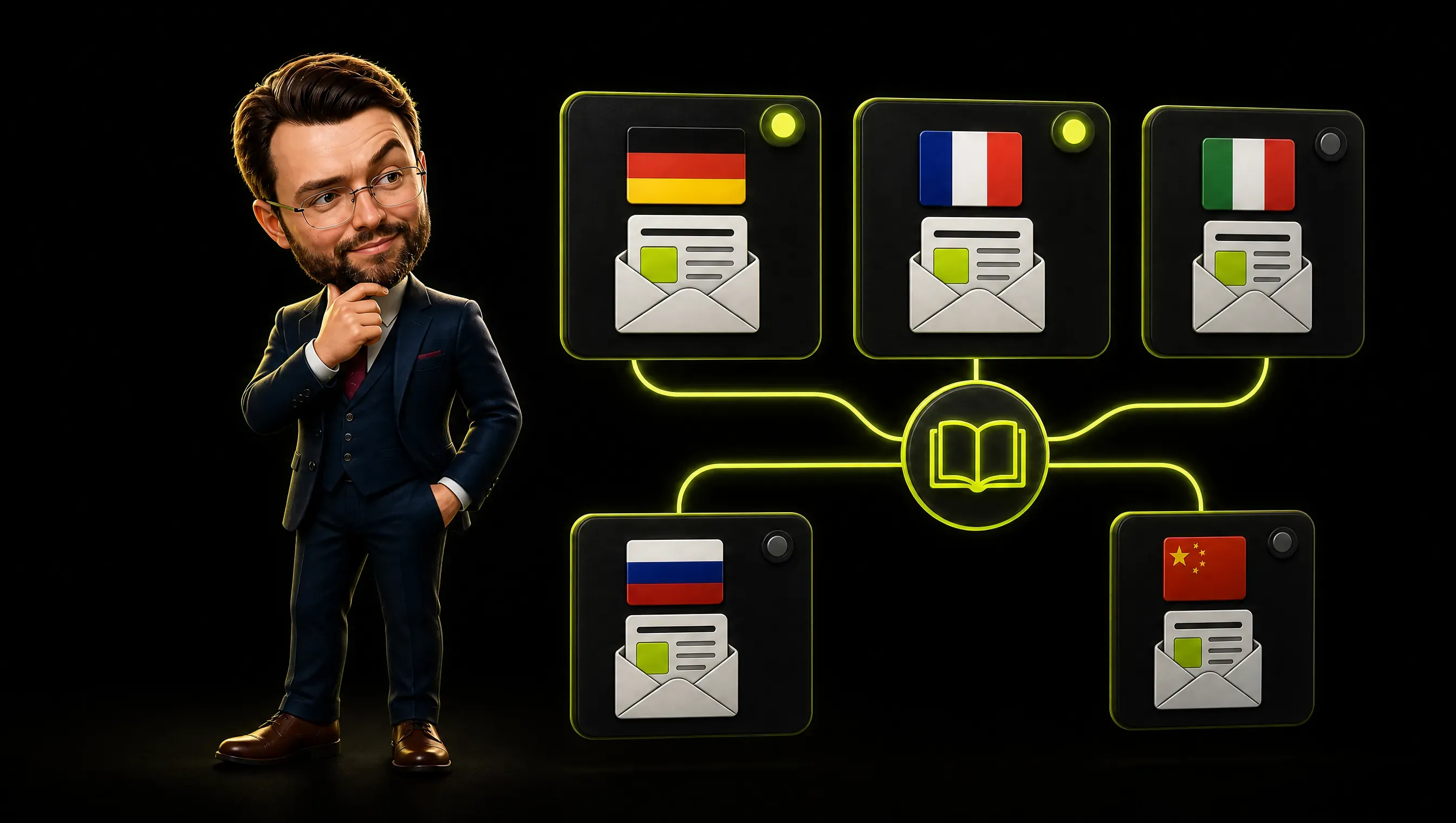
Now the honest part, because I am not going to pretend the roadmap is the reality. The edition ships in two languages today: German and French. Those two have a real glossary and tone rules that have shipped real issues.
The same structure extends to Italian, Russian, and Chinese without redesigning the process. But the glossaries for those three do not exist yet, and I will not claim a five-language glossary until an edition goes out the door in all five.
The heavy lifting is the glossary and the tone rules per language, not the mechanics of the translation step.
How did the German and French glossary get built? From real issues. I pulled every term that had caused a correction in a past edition and wrote down the rule. Product names never translate. Logistics verbs get the local term, not the literal one. After two or three editions, the glossary settled into a document the model reads before it translates anything.
 This is also the section no competitor can fake. A blog can copy my drafting advice in an afternoon. It cannot copy a two-language glossary and a translation workflow that has shipped real editions.
The receipts are the moat. When I explain what works in AI marketing, translation is the example that survives contact with a skeptical reader.
The QA Gates I Refuse to Automate
Some people want to automate everything. I want to automate everything except the parts where a mistake is expensive. Those parts are the QA gates, and I keep them human on purpose.
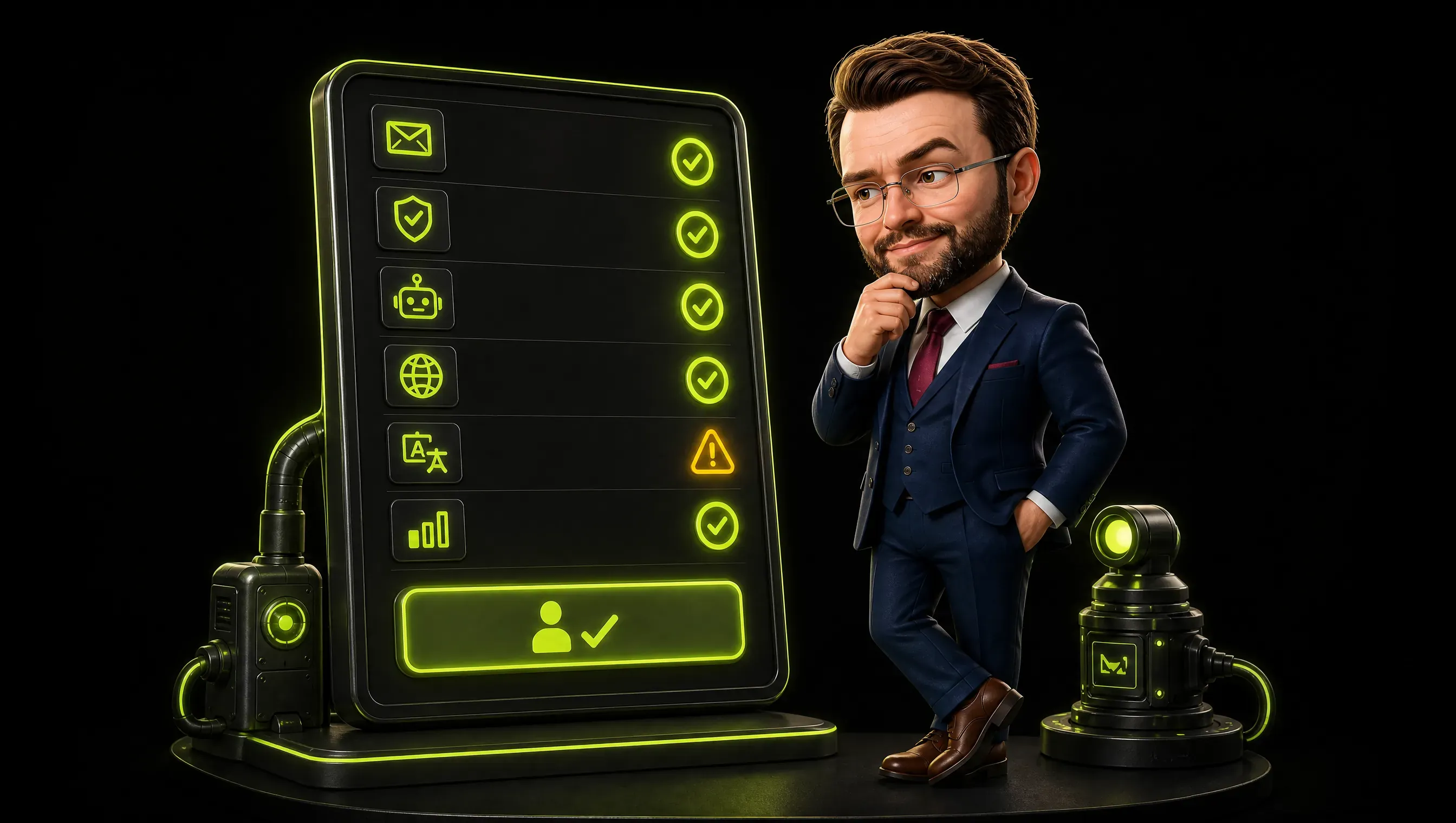
The first gate is the infographic check. Every number and every label in an infographic gets checked word for word against the source.
A model can generate a chart in seconds. It can also quietly swap a label or invent a data point while looking confident. Nothing goes out until a human has read every number out loud against the source.
The second gate is the formatting check. House rules are not optional at enterprise scale: no em dashes, no broken links, consistent capitalization. A newsletter that breaks its own formatting rules reads as sloppy, and sloppy is a brand statement you cannot take back.
The third gate is the link check. Every link gets opened and confirmed before send. This sounds trivial until the day a link breaks between draft and send, and a thousand customers click into a 404.
I caught one of those a day late once. It did not go to print, but it taught me that link checking is not a nicety.
The pattern here is deliberate. The gates exist at the exact points where a machine hallucinates confidently. Drafting can hallucinate, so a human reviews.
Translation can drift, so a human reviews. Links can break, so a human checks. The machine does the volume.
The human does the verification. That split is the whole reason the pipeline works.
AI Newsletter Generator vs a Real Pipeline
Search for an AI newsletter generator and you will find a dozen tools that promise to turn a prompt into an email. They are not wrong. They do turn a prompt into an email.
The question is whether that email is a newsletter you can stand behind.
A generator solves the smallest part of the problem. It writes text. It does not manage a topic list, translate into more than one language, prepare assets, run quality gates, or hit a fixed send date.
Those are the jobs that consume the actual time. The generator gives you a draft in ten seconds and leaves you with all the rest of the work, plus a draft you now have to verify.
The automated newsletter tools are mostly this. They automate the writing and the sending, then call the gap between them automation. The gap is where enterprises live.
A company newsletter is not a solo creator’s blast. It is a recurring product with a schedule, an audience, and a reputation.
That is why I call mine a pipeline and not a generator. The generator is one stage inside the pipeline. It does the drafting.
The pipeline is the whole production line, including the parts that stay human. If you want to automate a newsletter, build a pipeline.
If you want to automate a newsletter and only have a generator, you have automated the one stage that was never the bottleneck.
The Numbers: Before and After
People ask for numbers. Here are the honest ones, and here is where I draw the line on honesty.
The image compression number is exact because I watched it happen. The September edition carried images that totaled 13.6 MB before send. After compression, they totaled 142 KB.
That is a 99 percent reduction, and it is the difference between a newsletter that loads instantly and one that lands in the spam folder for being bloated. This step is now part of the pipeline and runs before every send.
The time numbers are ranges, not audited telemetry, because I did not timebox every stage. Drafting used to be the better part of a workday. It now lands in under two hours, review included.
Translation used to be an external back-and-forth that ate days. It now runs in the pipeline in under an hour per language, with a human check on top. Asset preparation used to be an afterthought that bit us on send day. It is now a fixed stage that takes minutes.
I will not give you a fake saved hours total, because I did not measure it that precisely. What I can say with confidence is that the newsletter went from a multi-day operation with multiple owners to a one-person production line that ships on schedule.
The September edition shipped. That is the receipt that matters.
If you want a cleaner benchmark, measure it yourself. Time the manual version for one issue. Then time the pipeline version.
The gap between the two is your number, and it will be more honest than anything I could invent for you.

What Broke, and How I Fixed It
No pipeline survives contact with a real send. Here is what broke in mine, because the failures are the instructive part.
The first failure was the image bloat. I mentioned the 13.6 MB total. That was not a surprise on send day.
It was a surprise at the preview stage, when the email refused to behave. The fix was a compression stage that runs automatically before send, with a hard ceiling on file size.
I did not discover the ceiling in advance. I discovered it by almost breaking a send.
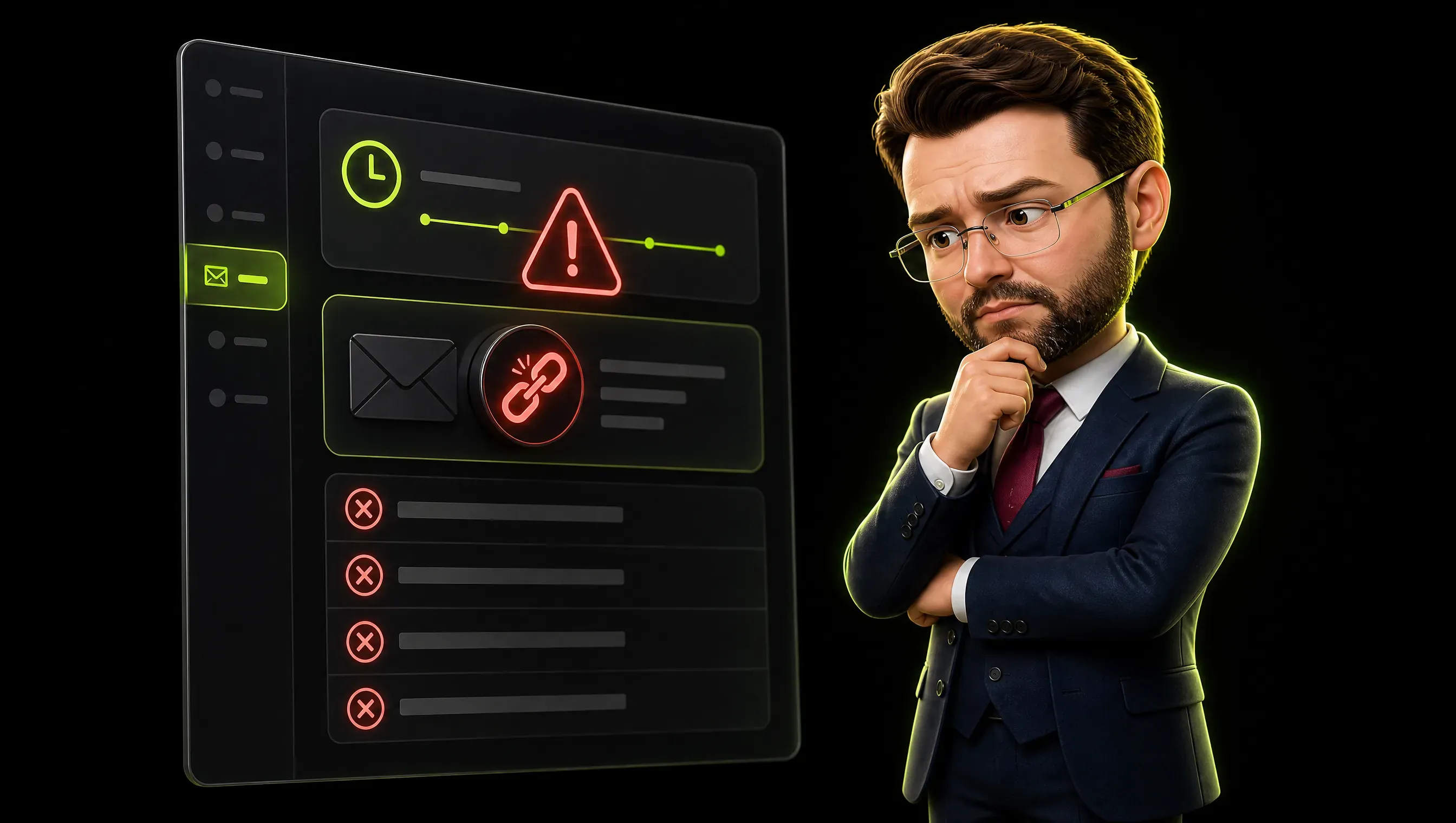
The second failure was a broken link that sat unnoticed for a day. The link was fine at draft time. It broke between draft and send, and nobody caught it until a routine check.
The fix was making the link check a fixed gate instead of a thing I did when I remembered. Now every link gets opened before every send, no exceptions.
The third failure was translation drift. Early on, I translated the whole issue as one block and got a French edition that read like a foreign import. The fix was splitting translation into its own stage with a glossary and tone rules, so the French edition sounds like it was written in French, not translated into it.
The common thread is not that AI failed. It is that the failure happened at the seams, the points where one stage handed off to the next. Every fix I made was a gate at a seam.
That is the real lesson of the pipeline. The automation is easy. The handoffs are where it breaks.
Most AI marketing failures follow this same pattern, and I wrote them down separately.
A Worked Issue, End to End
The abstract version hides the work. Let me walk one real issue through the machine: the September edition, start to finish.
It began as a notes file with a handful of approved topics, a few product numbers, and a deadline that did not move. Drafting produced a first pass in under an hour. I spent the rest of that block cutting it down.
The first pass had filler, a couple of soft claims, and one number I could not verify. The number came out, the filler came out, and the draft went to translation.
Translation ran German to French with the glossary pinned. Two terms came back wrong. One was a product name the model tried to translate, which you never do with a registered name. The other was an idiom that went literal. Both got fixed against the glossary before the French edition was allowed near a send button.
Asset preparation compressed the images from 13.6 MB to 142 KB. The QA gates then checked every link, every number, and every formatting rule. One link had gone stale between draft and send. It got replaced before anyone could click into a 404.
The issue shipped on the fixed date, in German and French, without a single correction after send. That is the boring version of success, and boring is the goal.
How to Automate Newsletter Production Without a Tool Graveyard
The graveyard is real. Every marketer has a shelf of tools they bought, used twice, and abandoned. Newsletter automation is a perfect place to build another one, because the vendors sell the dream hard and the reality is work.
The way to avoid the graveyard is to start with the bottleneck, not the tool. Do not ask which tool automates newsletters. Ask which stage of your newsletter eats the most human time.
Then automate that one stage, badly, with whatever you already have.
Here is the sequence that worked for me. Start with asset preparation, because it is mechanical and the payoff is immediate.
Compressing images before send is boring, invisible, and saves a send-day panic. Do that first.
Then move to drafting. Feed the model structured notes, not a blank page, and keep the human edit. This is the stage where the time savings show up, but only if you treat the draft as raw material.
Then translation, if you send in more than one language. This is the stage that matters most, and the one most teams skip.
Build the glossary before you build the translation step. The glossary is the moat.
Leave scheduling for last. It is the easiest stage and the least valuable to automate, because scheduling was never the part that ate your week.
One rule above all: keep the QA gates human. Automate the volume, keep the verification.
A pipeline that automates the checks as well as the work is not a pipeline. It is a liability with a send button.
The Part That Stays Human
This is the part the vendor demos leave out. Newsletter automation does not remove the human. It concentrates the human on the parts that need judgment.
The machine drafts. I decide what is true and worth saying. The machine translates.
I decide whether the French sounds like French. The machine compresses. I decide which image earns its place.
The machine schedules. I own the reputation that sends.
That is the honest division of labor. The machine handles volume and speed. The human handles taste and accountability.
Automate the wrong half and you get a fast newsletter nobody trusts. Automate the right half and you get a production line that ships on time, in two languages, without eating your week.
The September edition shipped. That is the proof I care about. Not a benchmark, not a demo.
A real issue, out the door, in German and French, on schedule. Newsletter automation, done right, is not about replacing the newsletter writer. It is about making the writer worth more per hour.
Frequently Asked Questions
What is newsletter automation?
Newsletter automation is the production line behind a recurring newsletter: drafting, translation, asset preparation, quality checks, and scheduling, tied together so one person can run them. It is not the same as a drip sequence, which is the automatic sending of emails after a trigger. At enterprise scale, automation means the multilingual, scheduled, quality-gated production of a real publication.
Can AI automate a newsletter end to end?
It can automate most of the mechanical work. Drafting, translation, and asset preparation all run through the pipeline.
What stays human is the verification: the word-for-word checks, the link checks, and the judgment on whether the content is true and worth sending. Automate the verification too and you have removed the only thing standing between a typo and your entire audience.
How do I automate a multilingual newsletter?
Treat translation as a separate pipeline stage with its own rules. Build a glossary of terms that must not be translated loosely. Carry the same tone rules into every language so the translation does not read like an import.
The mechanics of newsletter automation are straightforward. The glossary and the tone rules are the work, and they are what make the multilingual newsletter sound native instead of translated.